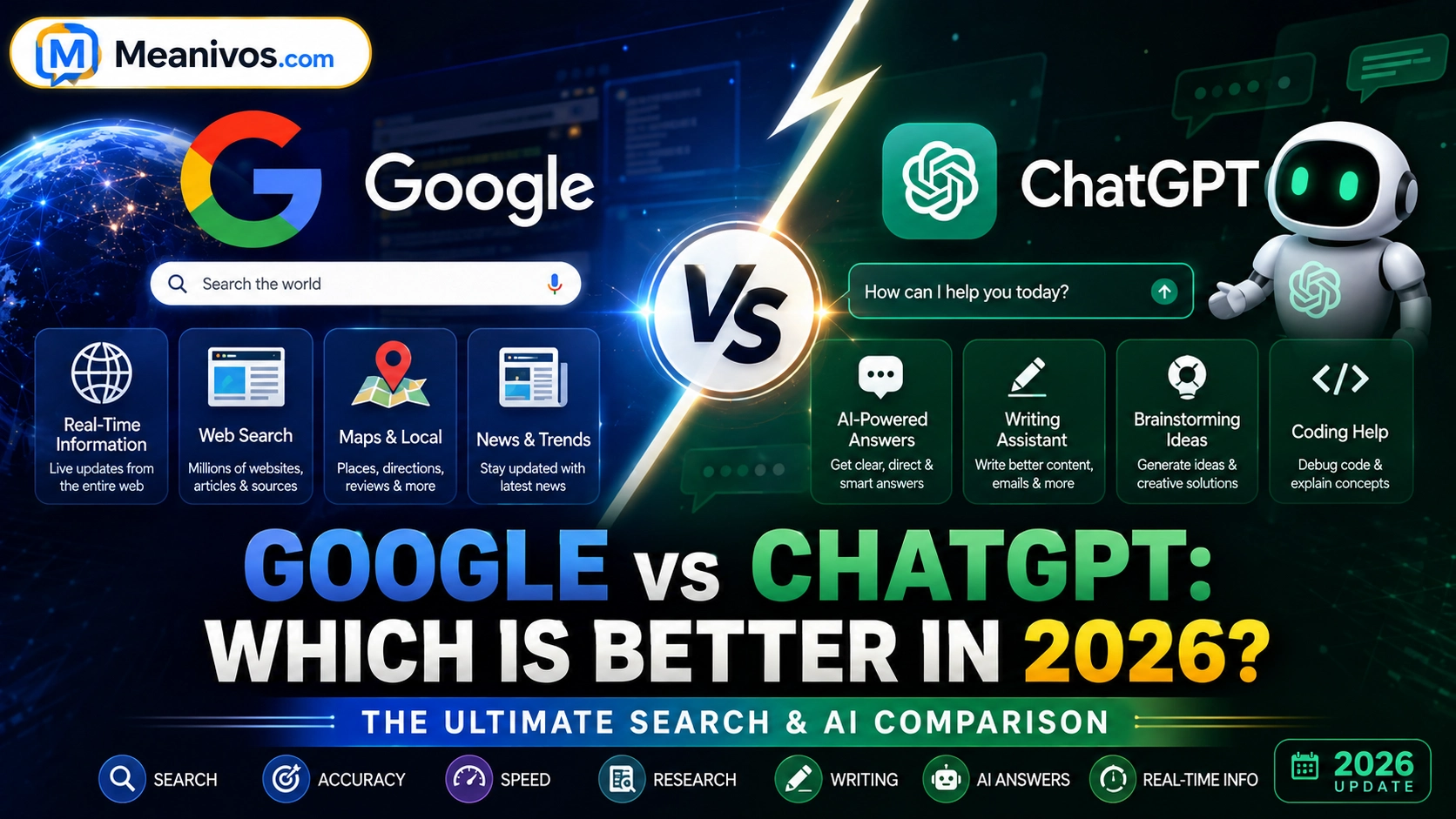
Google vs ChatGPT: Which Is Better in 2026? The Ultimate Search & AI Comparison
If you need to find a specific website, compare products, check a nearby business, explore Maps, or discover multiple sources, Google is often the better starting point. If you want an explanation, brainstorming, writing help, coding assistance, or information synthesised into a conversational response, ChatGPT is often more useful.
But that answer comes with an important 2026 update: the line between Google and ChatGPT has become much less clear.
Google Search now includes AI Overviews and AI Mode, bringing conversational and AI-generated answers directly into Search. Google says AI Overviews now have more than 2.5 billion monthly active users, while AI Mode has surpassed one billion monthly users globally.
At the same time, ChatGPT has evolved beyond a simple conversational chatbot. ChatGPT Search can retrieve current information from the web and provide links to relevant sources, while Deep Research can conduct multi-step research and produce documented reports with citations.
So which one wins?
There is no universal winner.
The better choice depends on what you are actually trying to accomplish.
Google vs ChatGPT at a Glance
| Feature | ChatGPT | |
| Traditional web search | Excellent | Good |
| Finding a specific website | Excellent | Good |
| Conversational answers | Excellent with AI features | Excellent |
| Follow-up questions | Excellent | Excellent |
| Current information | Excellent | Excellent with Search |
| Source discovery | Excellent | Excellent |
| Writing | Good | Excellent |
| Brainstorming | Good | Excellent |
| Coding assistance | Good | Excellent |
| Maps and directions | Excellent | Good |
| Local businesses | Excellent | Good |
| Shopping discovery | Excellent | Good/Excellent depending on task |
| Images | Excellent | Good/Excellent depending on feature |
| Complex synthesis | Good/Excellent | Excellent |
| Deep research | Strong | Excellent for synthesis-heavy research |
| Fact verification | Excellent | Good with citations + source checking |
These are practical tendencies rather than permanent rankings. Features, availability, region and product modes can change.
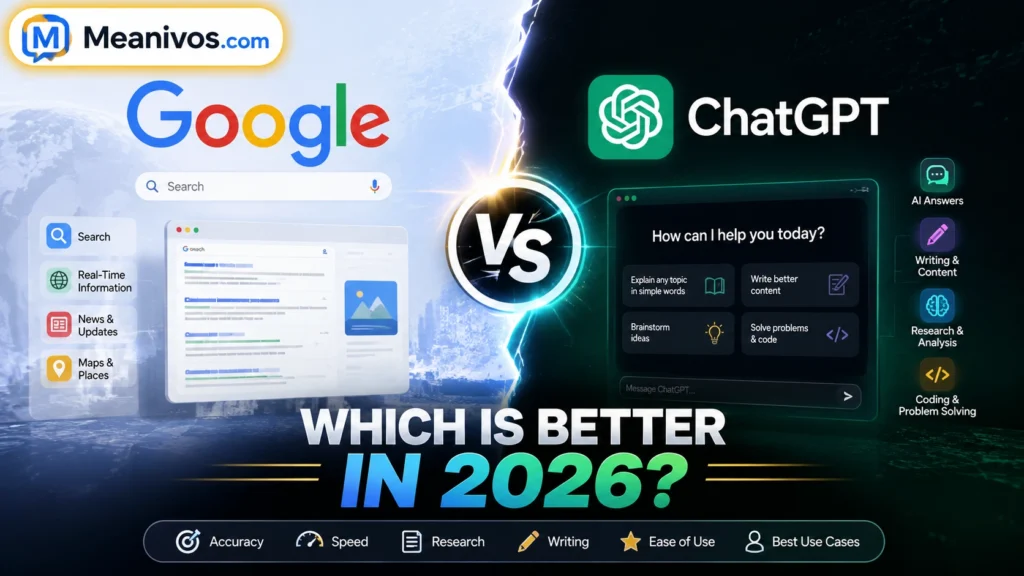
What Is Google Search?
Google Search is a web search system designed primarily to help people discover information across the internet.
A Google search can lead you to:
- Websites
- News
- Images
- Videos
- Products
- Local businesses
- Maps
- Reviews
- Knowledge panels
- Official documents
- Forums and discussions
- AI-generated summaries
The important 2026 change is that Google is no longer limited to the classic list of blue links.
Google has expanded AI Overviews and AI Mode, allowing users to ask more complex questions conversationally. Google says its AI Mode can help users explore topics through follow-up questions and search across multiple subtopics.
That means the old definition—
“Google finds websites; ChatGPT gives answers.”
—is now too simplistic.
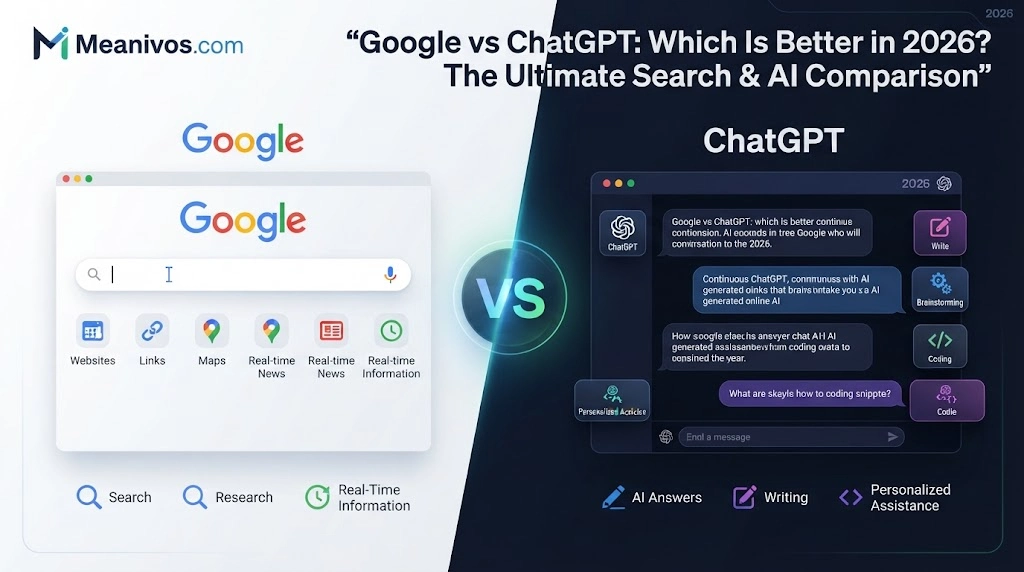
What Is ChatGPT?
ChatGPT is a conversational AI system designed to understand instructions, reason through problems, generate content and work with information.
People use it for:
- Explanations
- Writing
- Editing
- Brainstorming
- Coding
- Summarisation
- Data analysis
- Research
- Planning
- Learning
- Problem solving
But ChatGPT can also search the web.
According to OpenAI’s current documentation, ChatGPT Search can retrieve timely information from the internet and provide links to relevant web sources.
For more complicated research, ChatGPT’s Deep Research can search and analyse multiple sources, then create a structured report with citations.
So ChatGPT is no longer accurately described as an AI tool that “doesn’t have internet access.”
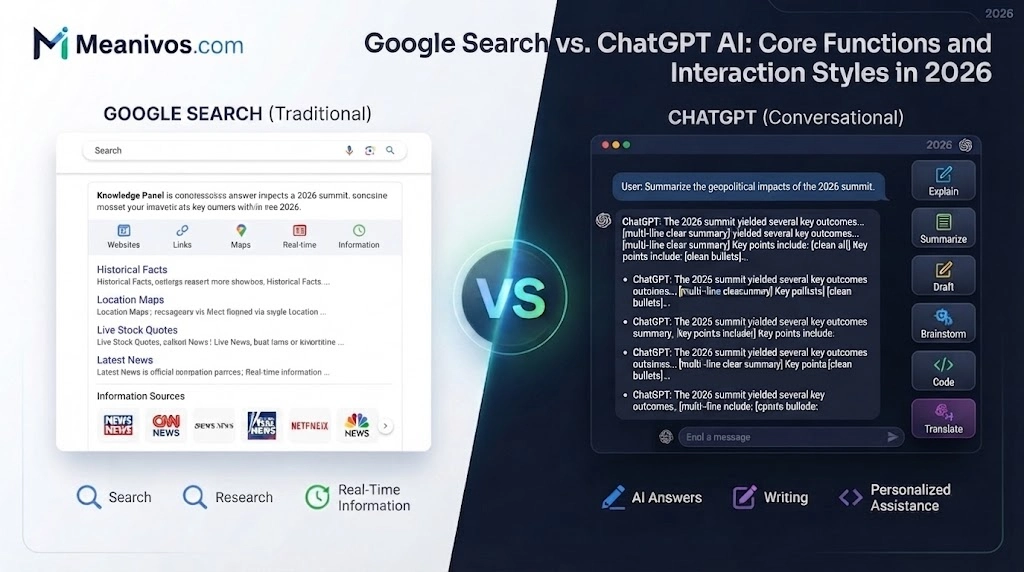
Google vs ChatGPT: What Is the Main Difference?
The simplest useful distinction is:
Google is primarily built around discovering information across the web.
ChatGPT is primarily built around understanding, synthesising and working with information.
However, these roles increasingly overlap.
Google is adding more conversational AI to Search.
ChatGPT is adding more web-search and research capabilities.
That creates an important shift in how people should think about the comparison.
Instead of asking:
“Which platform is better?”
Ask:
“Which platform is better for this particular task?”
That is the approach this guide uses.
Google AI Mode vs ChatGPT
This is one of the most important comparisons for 2026.
Google AI Mode is designed to bring a more conversational research experience directly into Google Search. Google’s current Search updates emphasise AI-generated responses, follow-up exploration and links to original web content.
ChatGPT Search takes a different approach by bringing web search directly into a conversational AI interface.
Google AI Mode is particularly useful when you want:
- Broad web discovery
- Search-native results
- Links to websites
- Current information
- Product discovery
- Local information
- Search ecosystem features
- Multiple perspectives
ChatGPT is particularly useful when you want:
- A conversational workflow
- Explanations
- Follow-up questions
- Writing
- Brainstorming
- Coding
- Analysis
- Synthesis
- Structured outputs
The distinction isn’t absolute.
Both can now search, answer follow-up questions and help with complex queries.
Google AI Overviews vs ChatGPT
Google AI Overviews appear within Google Search and provide an AI-generated summary alongside links that users can explore.
The Google describes AI Overviews as an AI-generated snapshot that helps users understand a topic while providing ways to explore supporting information.
ChatGPT approaches the experience differently.
Instead of placing an AI answer inside a conventional search results environment, ChatGPT makes the conversation itself the central interface.
Google AI Overviews
Best suited to:
- Search discovery
- Quick answers
- Finding websites
- Exploring supporting sources
- Moving between search results
- Search-native experiences
ChatGPT
Best suited to:
- Extended conversations
- Follow-up questions
- Transforming information
- Writing
- Reasoning
- Research synthesis
- Structured responses
Neither model completely eliminates the need to verify important information.
Google vs ChatGPT: Winner by Task
This is where the comparison becomes genuinely useful.
| Task | Better Choice | Why |
| Find a specific website | Strong web discovery | |
| Find a nearby restaurant | Maps/local ecosystem | |
| Get directions | Maps integration | |
| Find products | Shopping ecosystem | |
| Explore images | Strong visual search | |
| Read multiple sources | Broad web discovery | |
| Explain a difficult concept | ChatGPT | Conversational explanation |
| Brainstorm ideas | ChatGPT | Interactive generation |
| Write an article draft | ChatGPT | Strong generative workflow |
| Rewrite content | ChatGPT | Context-aware editing |
| Debug code | ChatGPT | Interactive problem solving |
| Learn programming | ChatGPT | Follow-up explanations |
| Multi-step research | ChatGPT | Strong synthesis workflow |
| Find original sources | Direct web discovery | |
| Verify important claims | Both | Use primary sources |
| Current breaking news | Both | Verify against reliable sources |
| Important decisions | Both | Cross-check information |
This task-based approach is more useful than declaring a single winner.
Google vs ChatGPT for Students
Students often use both tools for completely different stages of learning.
Use Google when you need to:
- Find academic websites
- Locate official sources
- Find papers
- Explore different explanations
- Verify facts
- Locate educational resources
Use ChatGPT when you need to:
- Understand a difficult concept
- Ask follow-up questions
- Simplify a topic
- Generate practice questions
- Brainstorm essay ideas
- Explain code
- Organise notes
Best student workflow
Google → discover sources → verify sources → ChatGPT → understand and organise → Google/primary source → verify important claims
The important rule is simple:
Don’t treat an AI-generated answer as automatically correct just because it sounds confident.
OpenAI itself warns that ChatGPT can produce incorrect information and recommends checking important information against reliable sources.
Google vs ChatGPT for Writers
For writers, the strongest choice is often both.
Google is useful for:
- Competitor research
- SERP research
- Source discovery
- Finding statistics
- Finding original studies
- Understanding search intent
- Discovering real-world language
ChatGPT is useful for:
- Content outlines
- Brainstorming
- Rewriting
- Editing
- Headline ideas
- Content organisation
- Summarisation
- Drafting
- Turning research into structured content
For serious publishing, don’t use AI to replace source verification.
Use it to accelerate the work around good sources.
Google vs ChatGPT for Programmers
For coding, ChatGPT can be especially useful because programming problems often require conversation.
For example, you can provide:
“Here is my Python error. Explain what caused it, show me where the problem is, and give me two possible fixes.”
Then you can ask follow-up questions without starting from zero.
Google remains extremely valuable for finding:
- Official documentation
- GitHub repositories
- Stack Overflow discussions
- Package documentation
- API references
- Framework updates
- Release notes
Best coding workflow
ChatGPT for reasoning + Google for documentation and verification.
That combination is often more powerful than relying exclusively on either.
Google vs ChatGPT for Business
Businesses can use both tools at different stages of research.
Google is strong for:
- Competitor discovery
- Market research
- Company websites
- Industry news
- Product discovery
- Customer reviews
- Official documentation
ChatGPT is strong for:
- Synthesising research
- Comparing information
- Creating reports
- Brainstorming strategies
- Analysing datasets
- Writing summaries
- Structuring business plans
For important business decisions, source quality matters more than which interface you prefer.
Which Is More Accurate: Google or ChatGPT?
There isn’t a simple winner.
The key difference is between finding information and synthesising information.
Google can help you locate an authoritative government page, academic paper or company document.
But finding the source doesn’t automatically mean you interpreted it correctly.
ChatGPT can read and synthesise information efficiently, but its answer can still contain errors.
OpenAI explicitly notes that ChatGPT may produce incorrect or over-simplified answers and recommends verifying important information.
Google likewise warns that AI-generated Search features can make mistakes.
The safest approach is:
Find → read → compare → verify → then act.
For high-stakes information, go directly to the original source.
Which Is Faster: Google or ChatGPT?
It depends on the task.
For a question such as:
“What is the capital of Japan?”
Google may be faster.
But consider:
“Compare five project-management tools, identify their major differences, explain which is best for a small team, and summarise the trade-offs.”
A conversational AI workflow may save time because you don’t have to manually gather, compare and rewrite everything yourself.
OpenAI distinguishes ChatGPT Search for quick current information from Deep Research for complex multi-step research and synthesis.
So:
Google often wins for quick discovery.
ChatGPT can win for multi-step synthesis.
Can ChatGPT Replace Google?
Not completely.
ChatGPT increasingly overlaps with Google for information discovery because ChatGPT Search can access current web information.
But Google remains deeply integrated with:
- Search
- Maps
- Shopping
- Images
- News
- Local discovery
- Website discovery
At the same time, Google is moving toward a more conversational search experience through AI Overviews and AI Mode.
So the future isn’t necessarily:
Google vs ChatGPT
It is increasingly:
Search + AI, with each tool suited to different workflows.
- Explore More: https://meanivos.com/chatgpt-vs-pinterest/
Google vs ChatGPT: Pros and Cons
Google Pros
- Huge web ecosystem
- Excellent website discovery
- Maps
- Shopping
- Images
- News
- Local search
- Multiple sources
- Strong navigation
Cons
- Can produce information overload
- Users may need to compare several pages
- Search results can include commercial content
- AI-generated answers still require verification
ChatGPT Pros
- Conversational
- Strong follow-up workflow
- Excellent synthesis
- Writing assistance
- Brainstorming
- Coding help
- Research assistance
- Web Search
- Structured outputs
Cons
- Can make mistakes
- Important citations should be checked
- Not always ideal for finding one exact website
- Features can vary by plan and region
Should You Use Google or ChatGPT?
Here’s the simplest decision framework:
Use Google when you need to FIND.
Its Use ChatGPT when you need to UNDERSTAND.
Use Google when you need to VERIFY.
Its Use ChatGPT when you need to CREATE.
Use both when the information really matters.
This is the core takeaway of the entire comparison.
How to Use Google and ChatGPT Together
You don’t have to choose one.
A powerful workflow is:
Step 1: Discover
Use Google to find relevant websites and primary sources.
Step 2: Open the sources
Don’t rely only on snippets.
Step 3: Collect the useful information
Save the relevant facts, documents or passages.
Step 4: Analyse
Use ChatGPT to compare, organise and explain what you’ve found.
Step 5: Verify
Return to the original sources and confirm important claims.
Step 6: Create
Use the analysed information to produce your report, outline, study notes or other work.
This workflow works particularly well for:
- SEO
- Academic research
- Business research
- Technical subjects
- Product comparisons
- Content creation
- Market research
For complex research, ChatGPT’s Deep Research can itself perform multi-step web research and generate a cited report, although the resulting claims should still be reviewed.
Real-World Examples: Google or ChatGPT?
“Find the best restaurants near me.”
Google wins in most situations.
Local search, Maps, directions, opening information and location-based discovery make Google particularly useful.
“Explain quantum computing like I’m 15.”
ChatGPT wins.
The conversational format makes it easy to ask for simpler explanations or follow-up examples.
“Find the official government requirements.”
Google wins initially.
Search can help you locate the official government website. Then read and verify the original information.
“Write a professional email.”
ChatGPT wins.
It can generate and refine the wording interactively.
“Debug this Python error.”
ChatGPT is often the better first choice.
You can provide the error, code and context, then ask follow-up questions.
“Compare laptops available today.”
Use both.
Google can help discover current products, prices and retailers. ChatGPT can help organise and explain the comparison.
“Research a complicated topic.”
ChatGPT Deep Research can be especially useful, while Google remains valuable for discovering and independently verifying primary sources.
Google vs ChatGPT: Which One Should You Choose?
| If you need… | Choose |
| A specific website | |
| A nearby business | |
| Maps or directions | |
| Product discovery | |
| Broad source discovery | |
| A simple explanation | ChatGPT |
| Brainstorming | ChatGPT |
| Writing | ChatGPT |
| Coding assistance | ChatGPT |
| Multi-step synthesis | ChatGPT |
| Deep research | ChatGPT |
| Fact verification | Google + primary sources |
| Important decisions | Both |
| Current information | Either, then verify |
People Also Ask
A:Not universally. ChatGPT is often better for explanations, writing, brainstorming, coding and synthesis, while Google is often better for web discovery, Maps, products, local search and finding specific websites.
A:For many discovery-oriented tasks, yes. Google has a mature web-search ecosystem and specialised experiences such as Maps, Shopping, Images and News. But ChatGPT can be more useful for conversational reasoning and content creation.
A:Not completely. ChatGPT Search has significantly expanded its search capabilities, but Google still provides a much broader search ecosystem. The two platforms increasingly overlap rather than one completely replacing the other.
A:Neither should be treated as automatically correct. Google can help you locate authoritative sources, while ChatGPT can synthesise information. For important claims, check the original source.
A:It depends on the research. Google is excellent for discovering primary sources and broad information. ChatGPT is particularly useful for analysing, organising and synthesising information. Deep Research is designed specifically for complex, multi-source research.
The Bottom Line
Google vs ChatGPT isn’t really about choosing one permanent winner.
Google remains exceptionally strong when you need to discover the web—especially websites, local businesses, products, Maps, images and multiple sources.
ChatGPT is particularly strong when you need to understand, synthesise, create or work through information conversationally.
And the gap is narrowing.
Google is turning Search into a more conversational AI experience through AI Overviews and AI Mode.
ChatGPT is turning conversational AI into a stronger research environment through Search and Deep Research.
So the smartest answer isn’t:
“Google wins.”
Or:
“ChatGPT wins.”
It’s:
Google is often better for finding and verifying. ChatGPT is often better for understanding and creating. When accuracy matters, use both.